
Add Watermark to PDF
Stamp text like "COPY", "CONFIDENTIAL" or your name on every page. Your PDF never leaves your device.
Watermark preview
About Add Watermark to PDF
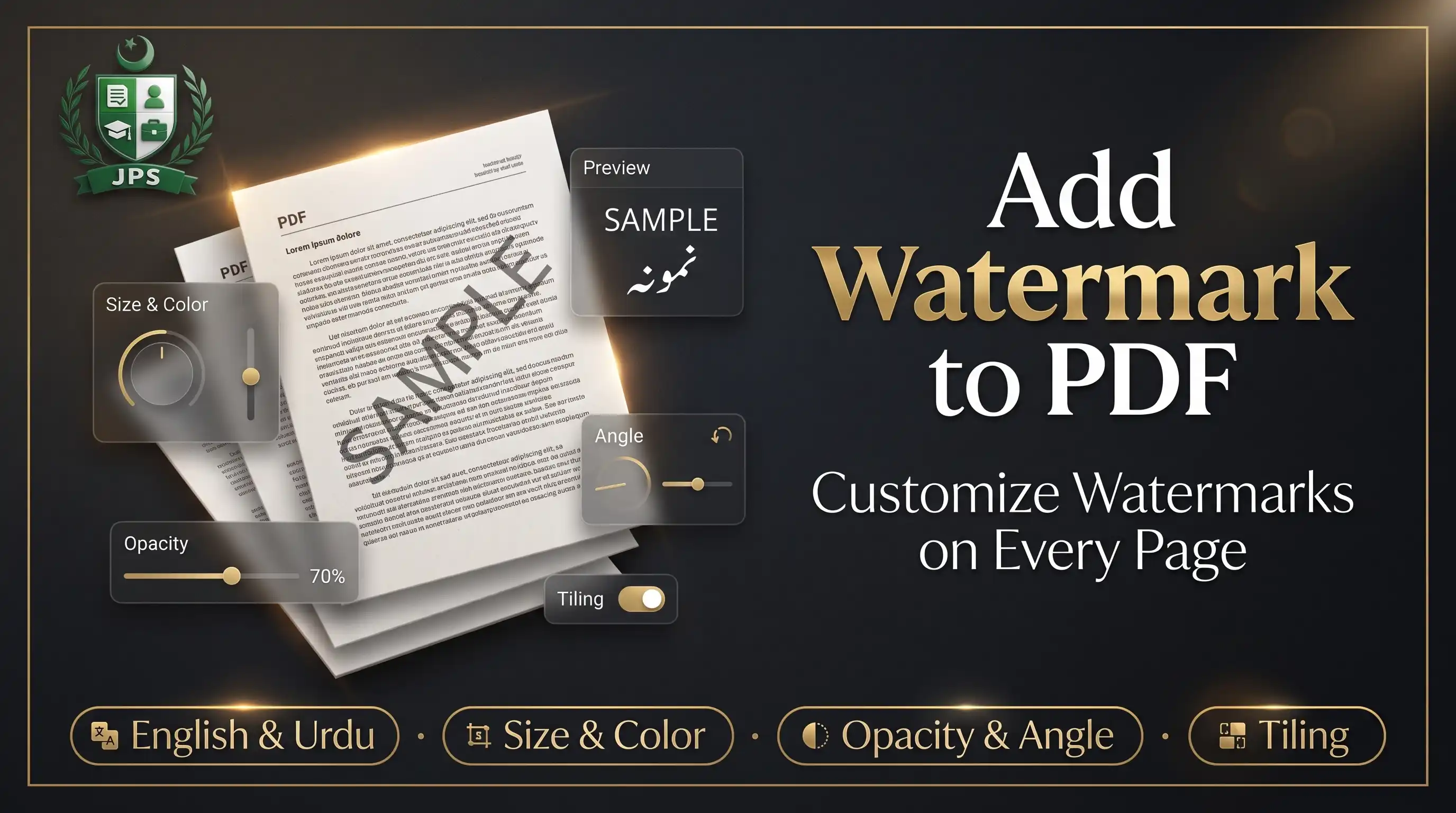
Add Watermark to PDF stamps a line of text on every page, or on the pages you choose. You can use English or Urdu text, pick the colour, size, opacity and angle, and place it in the centre, at the top or bottom, or repeated across the page.
A live preview shows the watermark before you save. The PDF is processed in your browser and is never uploaded, which is important when you mark copies of personal documents.
Key features
- English and Urdu (Nastaliq) watermark text
- Colour, size, opacity and angle controls
- Centre, top, bottom or repeated pattern
- All pages or a page range
- Live preview of the watermark
- No upload and no sign-up
When do you need this?
- You send a CNIC or degree copy and want to show its purpose
- You share a draft and want to mark it as confidential
- You want your name or company on every page of a document
- You need a COPY or SAMPLE mark on a PDF
Common mistakes to avoid
- Using a dark colour with high opacity, which hides the page text
- Making the watermark too small to be useful
- Expecting the watermark to be removable; it is part of the page
- Marking only some pages when the whole document needs protection
How to use
- Select your PDF.
- Type the watermark text and choose font, colour, size, opacity and angle.
- Choose the position (centre, repeated, top or bottom) and, if needed, the pages.
- Press Add Watermark and download the PDF.
اردو میں طریقہ:
- اپنی PDF منتخب کریں۔
- واٹر مارک کا ٹیکسٹ لکھیں اور فونٹ، رنگ، سائز، شفافیت اور زاویہ چنیں۔
- جگہ (درمیان، بار بار، اوپر یا نیچے) اور ضرورت ہو تو صفحات چنیں۔
- "Add Watermark" دبائیں اور PDF ڈاؤن لوڈ کریں۔
Tips
Use 30–40% opacity so the page stays readable.
Repeated (tiled) watermarks are harder to crop out than a single one.
To protect a CNIC copy, write the purpose and date, for example "For NTS application only – 12 Oct 2026".
The preview shows exactly how the text looks; Urdu uses the Nastaliq font.
Frequently Asked Questions
Yes. Choose the Urdu (Nastaliq) font and type your text.
Yes. Enter page ranges like 1-3, 5 in the Pages box.
The watermark is drawn on the page, so it cannot be switched off easily, but it is not tamper-proof.
No. Everything is processed in your browser.
 EasyPaisa
 Jazz Cash

 Meezan Bank
 Faysal Bank
